
Running
Codex is working
 Install for Codex
Optional Codex pet
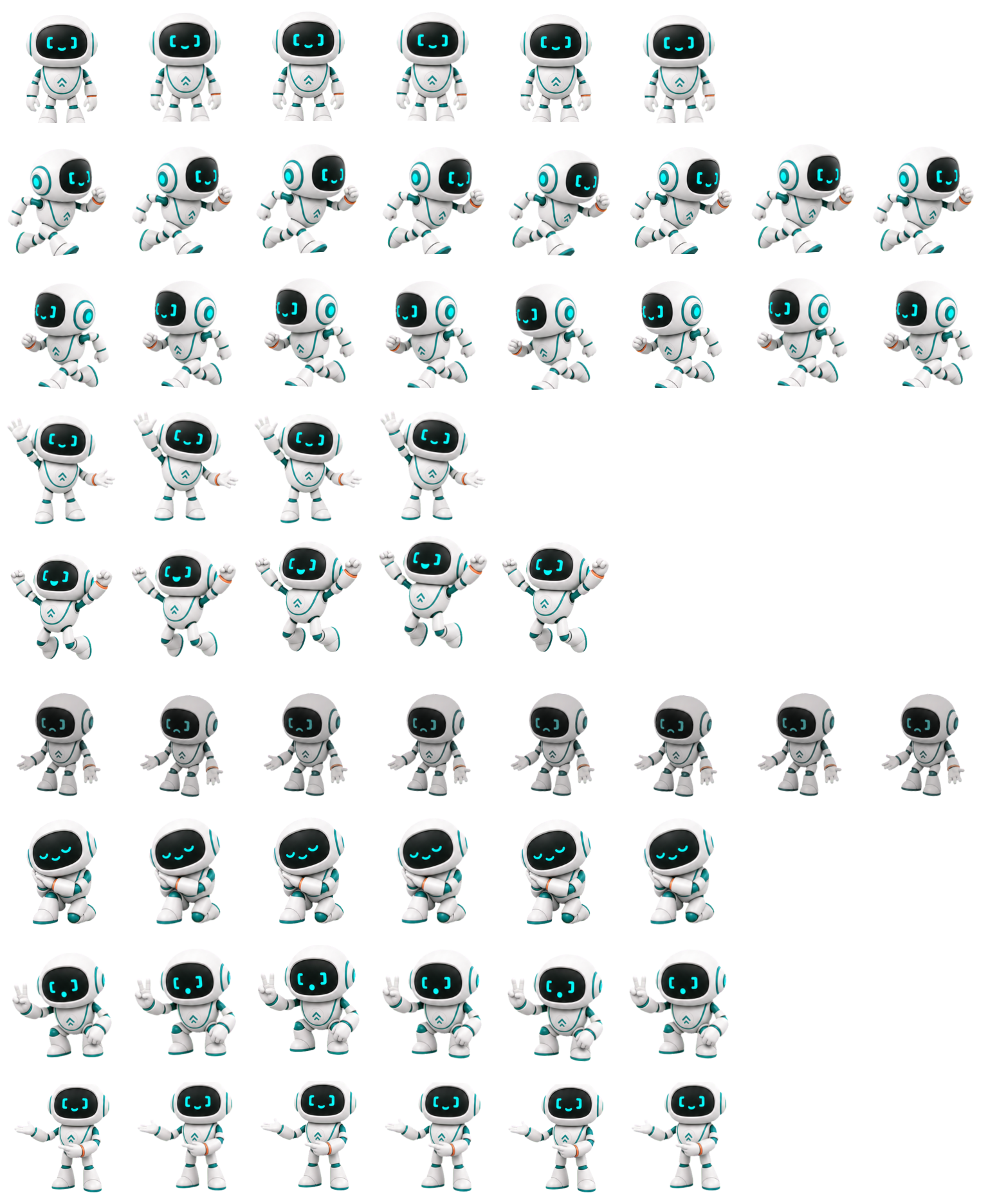
Pip can live in Codex as an original floating companion. The pet reflects Codex task status; the Repset plugin remains responsible for movement suggestions, progress, and privacy.
The official install flow reviews Pip before adding it. Nothing is installed silently, and Pip does not gain access to prompts, code, files, or Repset data.
Requires a Codex experience with Pets enabled. The IDE extension does not currently provide a floating pet overlay.
Codex is working
A decision is waiting
A task has finished
A task needs recovery
The activity card above Pip is created by Codex and shows the title and status of a Codex task. It is not a Repset error message or movement card. When several tasks have activity, Codex prioritizes tasks that need input, followed by blocked, ready, and running tasks.
Read the official Codex Pets guide →/pet or choose Wake Pet.You can tuck Pip away at any time with /pet. Codex stores custom desktop pets locally, and the host uses a still frame when reduced motion is enabled.
Running, needs input, ready, and blocked task states.
Natural-boundary nudges, accessible breaks, and local progress.
Pip’s pet appearance does not change how Codex completes tasks and is not required to use Repset. The current Codex pet API does not expose Repset movement readiness, points, camera state, or weekly progress to the floating overlay.
Return to Repset plugin installation →